

IRS Power of Attorney Software & Case Management for CPAs
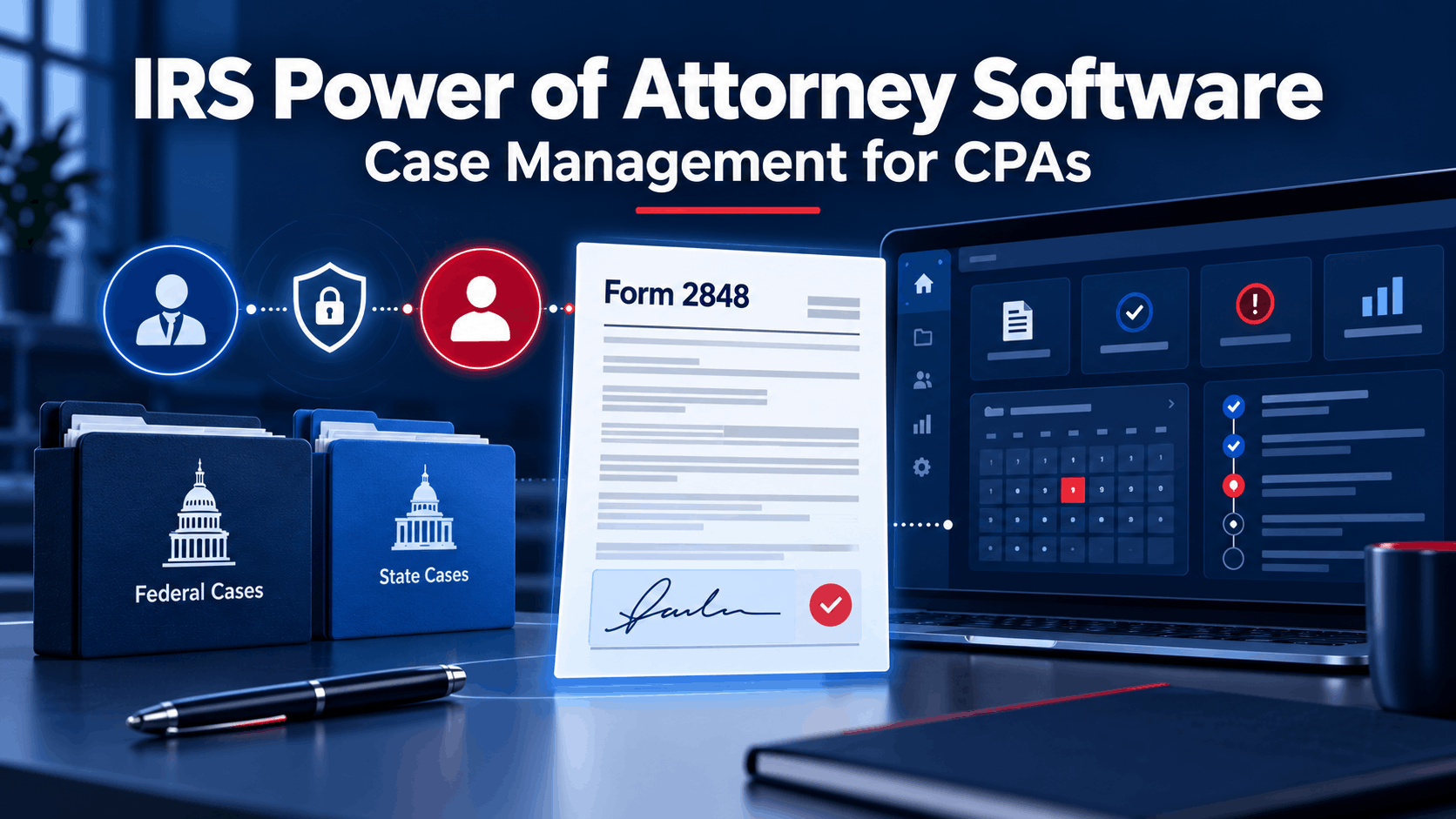
Before a CPA can pull a single transcript, discuss a client's account with the IRS, or negotiate a resolution, one document has to be filed and processed: Form 2848, Power of Attorney and Declaration of Representative. It sounds like a formality. In practice, getting POA paperwork right — federal and, increasingly, state-level — and managing the case that follows is where a lot of firms lose time they didn't budget for. Here's what to look for in POA and case management software built for CPAs doing IRS representation.
Why Power of Attorney Handling Matters More Than It Seems
Form 2848 has to be filled out correctly and processed through the IRS's Centralized Authorization File (CAF) before you can legally represent a client or pull their transcripts. Errors — a missing tax period, an incorrect designation of authority — mean delays while the IRS bounces the form back. And federal POA is often only half the picture: many states with their own income tax systems (California, New York, Illinois, and others) require a separate state-specific power of attorney form before you can represent a client on state tax matters, which is easy to overlook if your software only handles the federal side.
What POA Software Should Handle
- Auto-populated Form 2848, generated from client data you've already entered rather than filled out from scratch per case.
- State-specific POA forms for the states where you actually practice, since state tax authorities each have their own form and requirements.
- Electronic Form 8821 creation for information-only authorization, when full representation authority (2848) isn't required.
- CAF checks, to confirm your authorization is actually on file with the IRS before you rely on it.
How PitBullTax Handles Power of Attorney
PitBullTax's integrated IRS forms module includes Form 2848 and Form 8821 as part of its standard, auto-populated form set — generated from the same client intake data used throughout the case, with an enhanced forms preview before signature. On the transcript side, PitBullTax's Integrated Version includes electronic Form 8821 creation as part of its transcript monitoring automation lifecycle, and CAF checks are available as part of bulk transcript requests to confirm authorization status before you start pulling account data.
For state-level representation, PitBullTax includes State Power of Attorney forms, currently covering California (FTB 3520 PIT and FTB 3520 BE), Illinois (IL-2848, IL-2848-A, IL-2848-B), Georgia (RD-1061), New Jersey (M-5008-R), New York (POA-1 and TR-2000), Florida (DR-835), and Colorado (DR 0145), with additional states added over time — the software's "What's New" updates have included expanded state POA coverage for New Jersey, Colorado, and others in recent releases. State POAs are available as an add-on ($19/month, or a package of 3 states for $145/year), letting firms choose the states most relevant to their practice rather than paying for coverage they don't use.
Managing the Case Once Representation Is Established
Once POA is filed, the actual case-management work begins: tracking deadlines, documenting client communication, billing time, and following the resolution workflow through to a determination. PitBullTax's optional Case Management and Billing add-on ($39/user/month) provides a dashboard, calendar, to-do tracking, case tracking, time tracking, and billing in one place, with Zoom meeting integration for client calls (including the option to bill for meeting time) and Microsoft Outlook calendar synchronization.
For CPAs managing IRS cases across multiple staff members, PitBullTax's Multi-User License structure (starting at $290/month for 3 users, scaling to 20+ users) supports simultaneous login, so several team members can work different client files at once without licensing bottlenecks.
Documentation Beyond the Case File
A History Log timestamps every change made within a case — useful both for internal accountability and for reconstructing exactly what happened and when if a case is ever questioned. An IRS Contact List feature lets firms track specific IRS personnel (revenue officers, appeals officers) and link them to client profiles, which matters for firms running enough active cases that remembering who's assigned to which file becomes its own challenge.
Frequently Asked Questions
Do I need a new Form 2848 for every tax year I'm representing a client on?
Form 2848 lets you specify multiple tax years and periods on a single form, so one properly completed 2848 can cover several years at once — but it must explicitly list each year or period you intend to represent the client on; the IRS will not infer coverage for years not listed.
How long does the IRS take to process a Form 2848?
Processing time varies, but the CAF unit's typical turnaround is measured in days to a few weeks depending on submission method and current IRS processing volume. Online submission to IRS portal for 2848/8821is the best, then fax and then mailing.
Do state POA forms need to be renewed as often as federal Form 2848?
Requirements vary by state — some state POA forms remain valid indefinitely absent revocation, while others require renewal or have different validity periods than the federal form. Check the specific state's requirements, since assuming federal timelines apply to state forms is a common error.
Getting Started
To see how POA generation, case tracking, and billing work together on an actual client file, PitBullTax offers a 7-day free trial.
For the complete picture of what a resolution platform should include beyond POA and case management, see our complete guide to tax resolution software.
Sources: PitBullTax Software Features (pitbulltax.com/page/software.html); PitBullTax State POAs feature (pitbulltax.com/page/state-poas.html); PitBullTax Case Management and Billing feature (pitbulltax.com/page/case-management.html); PitBullTax Pricing (pitbulltax.com/pricing.html); PitBullTax homepage "What's New" (pitbulltax.com)