

Automating IRS Transcript Retrieval: A How-To Guide
Automating IRS Transcript Retrieval: A How-To Guide
If your firm is still requesting IRS transcripts one client, one transcript type, at a time through the IRS's native e-Services portal, the ceiling on your caseload is lower than it needs to be. Automating IRS transcripts retrieval — bulk pulls, instant report generation, and scheduled monitoring — is one of the highest-leverage changes a resolution practice can make. Here's how it actually works.
What "Automating" Transcript Retrieval Means in Practice
Automation here covers three distinct things, and it's worth separating them because they solve different problems:
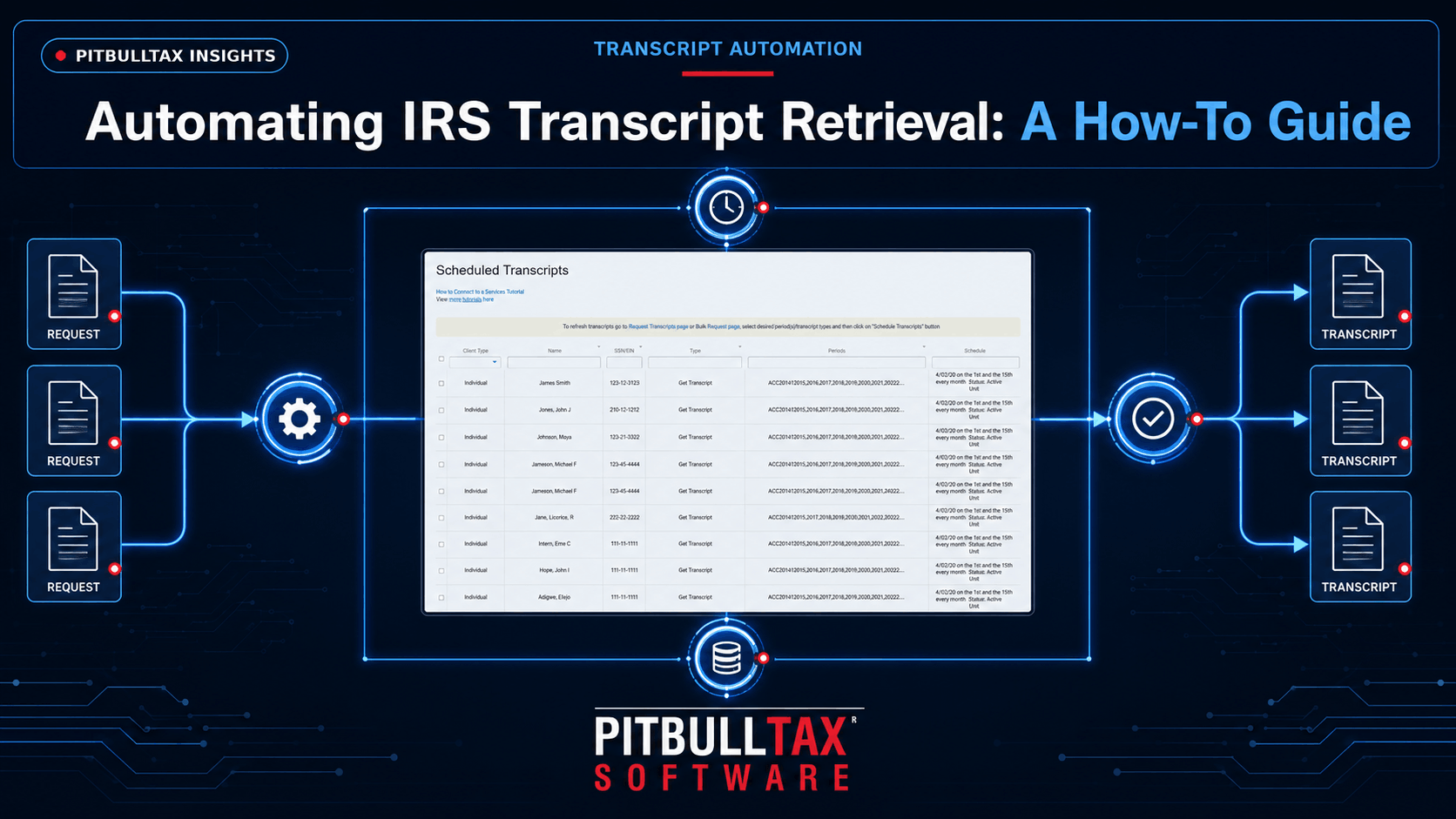
- Bulk retrieval. Instead of requesting one transcript for one client at a time, pulling transcripts for multiple clients (and multiple transcript types and years per client) in a single action, connected to your existing IRS e-Services authorization.
- Automatic report generation. Raw transcript data — rows of transaction codes and dates — isn't usable on its own. Automation means the software translates that data into readable reports (liabilities, penalties, CSED, compliance status) the moment transcripts are retrieved, rather than requiring manual review line by line.
- Scheduled monitoring. Automation that continues after the initial pull: checking accounts on a recurring schedule and alerting you automatically when something changes, instead of you needing to remember to re-pull transcripts periodically.
How PitBullTax Automates This Process
PitBullTax's IRS Transcripts tool is built around all three layers. Once connected to your e-Services account, you can request transcripts in minutes rather than working through the IRS portal one at a time, including bulk transcript requests and CAF checks across your client base. The moment transcripts come back, the software instantly generates analytical reports covering current liabilities and penalties, CSED calculations, First-Time Penalty Abatement eligibility, TFRP exposure, bankruptcy dischargeability dates, compliance status, and full payment history — with no manual interpretation required.
For ongoing cases, IRS Transcripts Monitoring Automation checks client accounts on a scheduled basis and sends automatic email or SMS alerts the moment new activity posts — catching changes practitioners report seeing up to six months ahead of when they'd otherwise find out. In the Integrated Version (the add-on within PitBullTax Software), this automation extends further into the case workflow: automated engagement letters, billing, and even electronic Form 8821 creation, so authorization paperwork itself is part of the automated pipeline rather than a separate manual step.
Automating IRS Forms, Not Just Transcripts
Retrieval automation only solves half the time problem. The other half is what happens after you have the data: re-typing the same client financial information across a dozen IRS forms and supporting schedules. PitBullTax's Integrated IRS Forms and Supporting Schedules module auto-populates from data already entered once — including data pulled directly from the transcript analysis in the Integrated Version — with an enhanced forms preview before anything goes out for signature.
What to Automate First
If you're moving from manual transcript pulls to an automated workflow, prioritize in this order:
- Bulk retrieval for your active caseload — the immediate time savings, especially if you're managing more than a handful of open cases.
- Monitoring for cases with an approaching deadline — CSED windows, pending Installment Agreements, or clients under active IRS scrutiny, where a missed change is costliest.
- Form auto-population for whichever resolution type makes up the largest share of your caseload — OIC, Installment Agreement, or CNC — since that's where re-typed data costs the most time per case.
A 7-Day Trial to Test It on a Real Case
Automation claims are easiest to evaluate against an actual client file rather than a demo account. PitBullTax offers a 7-day free trial on both the Integrated and Stand-alone transcript products specifically so firms can pull real transcripts, review the generated reports, and set up monitoring before subscribing.
Common Concerns About Automating This Process
"Will automation miss something a manual review would catch?" In practice, the opposite is more often true — automated report generation applies the same calculation consistently across every transcript, whereas manual review quality varies with staff experience and how much time pressure a practitioner is under that day. Automation doesn't replace professional judgment about what a case needs; it removes the risk of a tired or rushed manual read missing a CSED detail or penalty abatement opportunity buried in a wall of transaction codes.
"Is bulk retrieval going to trigger scrutiny from the IRS?" Bulk retrieval through your existing e-Services access and CAF authorization is a normal, sanctioned use of the system by authorized practitioners — it's simply requesting transcripts for multiple properly authorized clients rather than one at a time, using the same access every practitioner already has.
"What if my firm doesn't have the volume to justify automating this yet?" Even a small caseload benefits from monitoring specifically, since the value of an automatic alert doesn't scale with volume — a missed CSED update or lien filing on a single client is just as costly to a two-person practice as it is to a large firm.
Getting Started This Week
If manual transcript pulls are currently part of your weekly routine, the fastest way to evaluate automation is a direct side-by-side: pull one client's transcripts manually as you normally would, then pull the same client through PitBullTax's tool during the 7-day free trial, and compare the time spent and the depth of the resulting analysis.
For the full breakdown of every report the transcript tool generates, see our complete guide to IRS transcript delivery and analysis.
Sources: PitBullTax IRS Transcripts page (pitbulltax.com/irs-transcripts.html); PitBullTax Software Features (pitbulltax.com/page/software.html)