

Requesting IRS Transcripts Online: A Practitioner's Guide
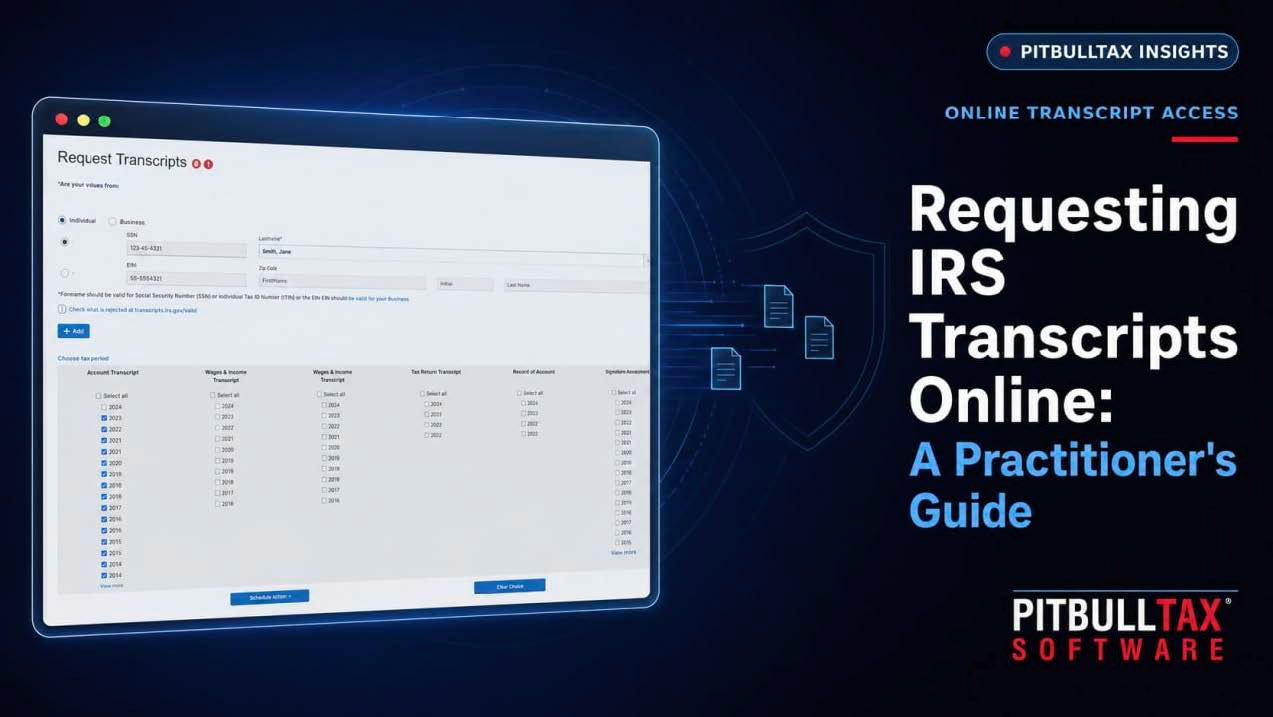
Requesting IRS Transcripts Online: A Practitioner's Guide
If you represent taxpayers before the IRS, you already know the individual "Get Transcript" tool on IRS.gov isn't built for you — it's designed for taxpayers pulling their own records, not for a practitioner managing dozens or hundreds of client accounts. Here's how transcript requests actually work for tax professionals, and where the process breaks down if you're doing it manually.
The Two Ways Practitioners Get IRS Transcripts
Through IRS e-Services (Transcript Delivery System). With a valid IRS e-Services account and proper authorization on file — Form 2848 for Power of Attorney or Form 8821 for information-only access — practitioners can request transcripts directly through the IRS's Transcript Delivery System (TDS). This is faster than the mail-order route and doesn't require the client to be present, but it's still a one-account, one-request-at-a-time process when done natively.
Through a connected transcript tool. Software that connects to your e-Services account can request transcripts in bulk, format the raw output into readable reports, and — critically — schedule ongoing monitoring so you're not manually re-pulling the same accounts every few weeks to check for changes.
What You Actually Need Before You Can Request a Transcript
- An active IRS e-Services account, which requires identity verification and, for many transcript types, a completed Circular 230 practitioner registration.
- Valid authorization on file — Form 2848 or 8821, submitted and processed by the IRS (typically through the Centralized Authorization File, or CAF).
- The client's identifying information — SSN or EIN, and the specific tax years/periods you need.
Which Transcript Type You Need Depends on the Question You're Answering
- Account Transcript — payment history, penalty and interest assessments, transaction codes by year. This is the one you pull first in almost every resolution case.
- Wage & Income Transcript — third-party reported income (W-2s, 1099s). Useful for reconstructing income on unfiled returns or verifying what the IRS believes a client earned.
- Record of Account — combines return and account transcript data into one document.
- Verification of Non-Filing Letter — confirms the IRS has no record of a return being filed for a given year, often needed for loan applications or to document filing history for a resolution case.
Where Manual Requests Fall Short at Scale
Requesting transcripts one client, one year, one transcript type at a time through the IRS's native tools is workable for a handful of cases. It becomes a real time cost once you're running an active caseload — and it offers no ongoing visibility. The IRS doesn't notify you when something changes on a client's account after you've pulled a transcript; you'd have to manually re-request it to find out.
How PitBullTax Handles This
PitBullTax's IRS Transcripts tool connects to your existing e-Services account and lets you request transcripts in minutes rather than working through the IRS portal transcript-by-transcript — including bulk requests across multiple clients and CAF checks to confirm your authorization is properly on file before you start. The moment transcripts come back, PitBullTax converts the raw data into analytical reports (liabilities, penalties, CSED calculations, compliance status, and more) instead of leaving you to read transaction codes line by line.
Just as important: you can schedule ongoing monitoring so the software checks a client's account on a recurring basis and sends an automatic email or SMS alert — to you, the client, or both — the moment something posts. That turns a one-time pull into standing account intelligence, which matters most in exactly the cases where timing is everything: a lien about to file, a CSED about to run, a balance about to change.
Both the Integrated Version (which feeds data directly into PitBullTax's case forms) and the Stand-alone Version (a web-based transcript tool with no software license required) are available with a 7-day free trial.
A Practical Checklist Before You Request
- Confirm your e-Services account is active and current.
- Confirm authorization (2848/8821) is filed and processed for this client.
- Identify which transcript types and years actually answer the question you're trying to answer — pulling everything for every year is rarely necessary and slows down review.
- If this is an ongoing case, set up monitoring rather than planning to manually re-check later.
Frequently Asked Questions
How long does it take to get a transcript back after requesting it?
Through IRS e-Services, transcripts are typically available within minutes of a valid request, since you're pulling directly from IRS systems rather than waiting on a mailed response (the mail-request route, by contrast, can take 5-10 business days). A connected transcript tool doesn't speed up the IRS's own response time, but it does eliminate the manual work of navigating the portal for each individual request.
Can I request transcripts for a client who hasn't signed a new authorization this year?
Only if valid authorization is still on file with the IRS. Form 2848 and 8821 authorizations don't expire on a fixed annual schedule, but they're tied to the specific tax periods and matters listed on the form — if a new tax year or a new type of representation is involved, a fresh authorization is generally required before you can request transcripts covering it.
What's the difference between a transcript and an actual copy of a filed return?
A transcript is a summary of return and account data in an IRS-standardized format — it is not a photocopy of the return itself. For most resolution work, a transcript contains everything needed (income reported, balances, penalties, payment history). An actual return copy requires a separate request (Form 4506) and generally takes longer.
For a full breakdown of what the analytical reports cover and how monitoring alerts work, see our complete guide to IRS transcript delivery and analysis.
Sources: PitBullTax IRS Transcripts page (pitbulltax.com/irs-transcripts.html)