

Offer in Compromise Software for Tax Professionals: What to Look For
Offer in Compromise Software for Tax Professionals: What to Look For
An Offer in Compromise (OIC) is the resolution every client wants and the one fewest actually qualify for. The IRS accepts an offer when it represents the most it can reasonably expect to collect — a calculation built on the taxpayer's Reasonable Collection Potential (RCP): equity in assets plus future income, measured against IRS Collection Financial Standards. Getting that number right, and documenting it correctly on Form 656 and Form 433-A (OIC) or 433-B (OIC), is the entire game. Here's what OIC-specific software should do, and how PitBullTax approaches it.
Why OIC Cases Need More Than a Fillable PDF
Form 656 itself is short. What makes an OIC case complex is everything underneath it: calculating allowable living expenses using IRS National, Regional, and Local Standards (which change by household size and county), valuing assets correctly (quick-sale value, not fair market value), determining the correct payment terms (lump sum vs. periodic payment offer), and assembling the supporting documentation the IRS will actually require before it processes the offer instead of returning it. A tool that just generates the form without doing this math leaves the hardest part of the case entirely up to you.
What Offer in Compromise Software Should Calculate
- Reasonable Collection Potential, using current IRS Standards for the client's specific county and household size — not last year's figures, and not a national average that ignores regional cost-of-living differences.
- Asset equity, applying the IRS's quick-sale value discount rather than full market value.
- Future income multiplier, which differs depending on whether the offer is a lump-sum (12-month multiplier) or periodic-payment (24-month multiplier) offer.
- Eligibility screening before you invest hours in the case — a fast way to confirm a client is actually a realistic OIC candidate versus a better fit for a Partial or Full Pay Installment Agreement or Currently Not Collectible status, before you promise them an outcome the numbers won't support.
How PitBullTax Handles Offer in Compromise Cases
PitBullTax's Resolution Evaluation tool runs this calculation from the same intake data you've already collected: monthly income and expenses, family size, and assets, checked against IRS National, Regional, and Local Standards for the client's county automatically. It shows OIC suitability and recommended payment options side by side with Installment Agreement and Currently Not Collectible alternatives, so you can tell a client with confidence what they qualify for — instead of guessing and finding out four months later when the IRS rejects the offer.
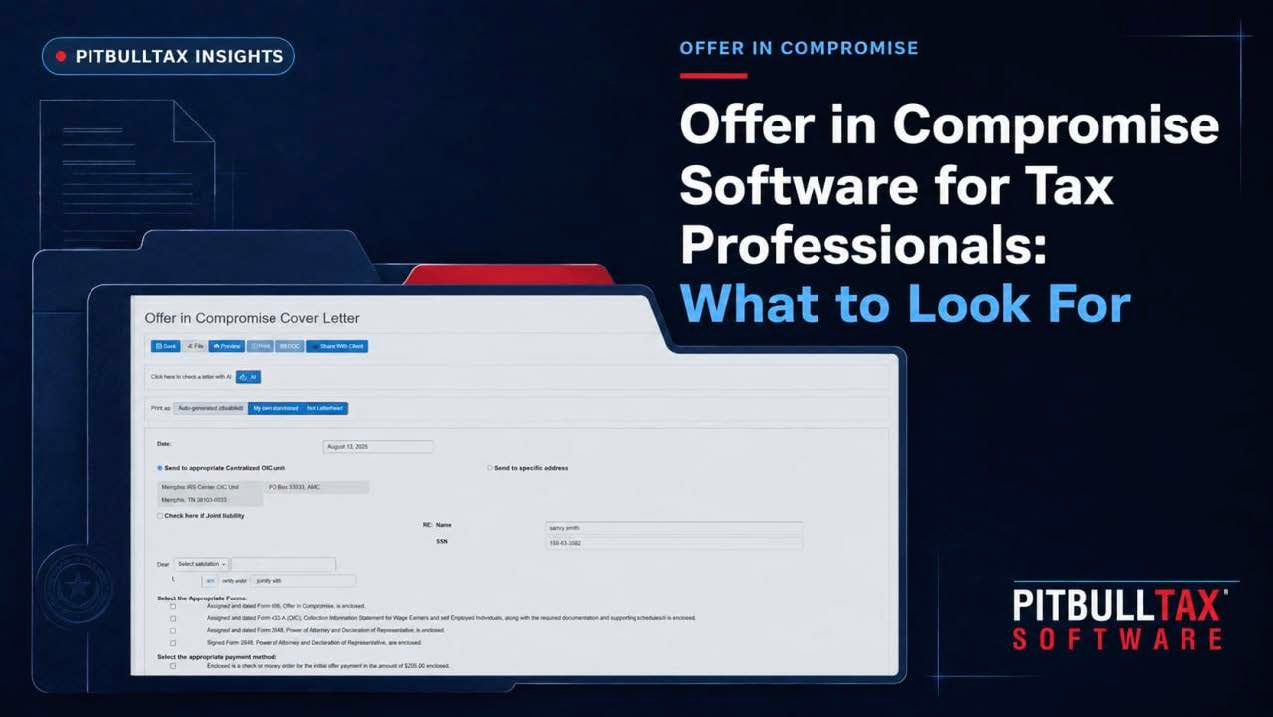
From there, PitBullTax's integrated IRS forms auto-populate Form 656 and the applicable 433 series form from the data already in the case file, with an enhanced preview before signature. Built-in "PitBull Tips" — guidance developed over years of actual resolution casework — walk practitioners through the negotiation itself, covering the details that determine whether an offer gets accepted at the number you calculated or negotiated down by the IRS. For clients who don't end up qualifying, the same case file automatically supports switching to a different resolution path (Streamlined, 6-Year Full Pay, or Partial Pay Installment Agreement, or Currently Not Collectible "53" status) without re-entering the client's financial data from scratch.
The platform also includes support for Innocent Spouse relief and Trust Fund Recovery Penalty defense — two situations that frequently surface during OIC intake once a joint filer's liability or a business owner's payroll tax exposure comes to light.
Documentation: The Part That Actually Gets Offers Rejected
The IRS returns a meaningful share of OIC submissions not because the offer amount was wrong, but because required documentation was missing or the form was filled out incorrectly. A Client Portal for secure document exchange, a bilingual Client Questionnaire, and automated reminders when a client is slow to send bank statements or pay stubs reduce this risk — all included in PitBullTax's base license, alongside an Engagement Letter and Document Request template so the ask to the client is clear from day one.
Quoting the Case
Offer in Compromise engagements are typically priced differently than a straightforward Installment Agreement case, given the added complexity and negotiation time. PitBullTax's Fee Calculator estimates a minimum and ideal fee range based on current market data for the specific resolution type, so you're quoting competitively without underpricing the work.
Common Reasons Offers Get Rejected
Beyond incomplete documentation, a handful of recurring issues sink otherwise-reasonable offers: using outdated IRS Standards figures (the tables update periodically, and a calculation run against last year's numbers can undervalue what the IRS will actually accept), valuing a client's vehicle or home at fair market value instead of the IRS's quick-sale value (which typically discounts by 20%), and failing to account for a client's full asset picture, including retirement accounts and any equity the IRS considers accessible even if a client wouldn't voluntarily liquidate it. A resolution platform that pulls current IRS Standards automatically and applies quick-sale valuation by default removes the most common sources of these errors.
Frequently Asked Questions
How long does an OIC typically take to get a decision?
IRS processing time for an Offer in Compromise commonly runs several months to over a year, depending on the complexity of the case and current IRS processing volume. Practitioners should set client expectations accordingly rather than implying a quick resolution.
What happens if the IRS rejects the offer?
A rejected offer can generally be appealed within 30 days, or the case can be redirected toward a different resolution path (Installment Agreement or CNC) if the numbers support it — another reason having eligibility data for all three paths available in one place, rather than needing to start over from scratch, saves real time.
Does an OIC affect the Collection Statute Expiration Date?
Yes — submitting an Offer in Compromise generally tolls (pauses) the CSED clock for the period the offer is under IRS consideration, plus additional time. This is a detail worth flagging to clients who are counting on the statute running out, since an unsuccessful OIC submission can end up extending the collection window rather than shortening it.
Getting Started
If OIC cases are a regular part of your practice, seeing the Resolution Evaluation and form-automation workflow on an actual client file is the fastest way to evaluate whether it saves the time it claims to. PitBullTax offers a 7-day free trial for exactly that purpose.
For the full breakdown of resolution software capabilities beyond OIC — including Installment Agreements and Currently Not Collectible status — see our complete guide to tax resolution software.
Sources: PitBullTax Why PitBullTax page (pitbulltax.com/page/irs-back-taxes-solutions.html); PitBullTax Resolution Evaluation feature (pitbulltax.com/page/resolution-evaluation.html); PitBullTax Software Features (pitbulltax.com/page/software.html)