

IRS Transcript Monitoring: Why It Matters for Your Practice
IRS Transcript Monitoring: Why It Matters for Your Practice
Pulling a client's IRS transcript once tells you where things stood on the day you requested it. It tells you nothing about what happens next. A lien can post, a balance can change, a Collection Statute Expiration Date can shift, or a notice can go out to your client — all without you knowing, unless you happen to pull that transcript again. IRS transcript monitoring closes that gap by checking the account on a schedule and alerting you automatically when something changes.
Why a Single Transcript Pull Isn't Enough
Resolution cases aren't static. A client under an active Installment Agreement can default. A client waiting on an Offer in Compromise decision can have a new lien filed while the offer is pending. A client approaching their CSED needs that date tracked precisely, because it determines how aggressively the IRS can still pursue collection — and whether a delay tactic that extends the statute (like an OIC under review) is working in your favor or against it.
Without monitoring, the only way to catch these developments is to manually re-pull transcripts on a recurring schedule — which either means real staff time spent checking accounts that haven't changed, or gaps where something important goes unnoticed until the client gets a notice in the mail and calls you, upset, after the fact.
What Transcript Monitoring Should Actually Do
- Check client accounts on a schedule — daily or as frequently as needed — without manual intervention.
- Alert automatically when new activity posts, rather than requiring someone to log in and check.
- Notify the right people — you, the client, or both, depending on the case.
- Cover the details that matter for resolution work specifically: new liens, balance changes, penalty assessments, CSED shifts — not just a generic "something changed" flag.
How PitBullTax's Monitoring Works
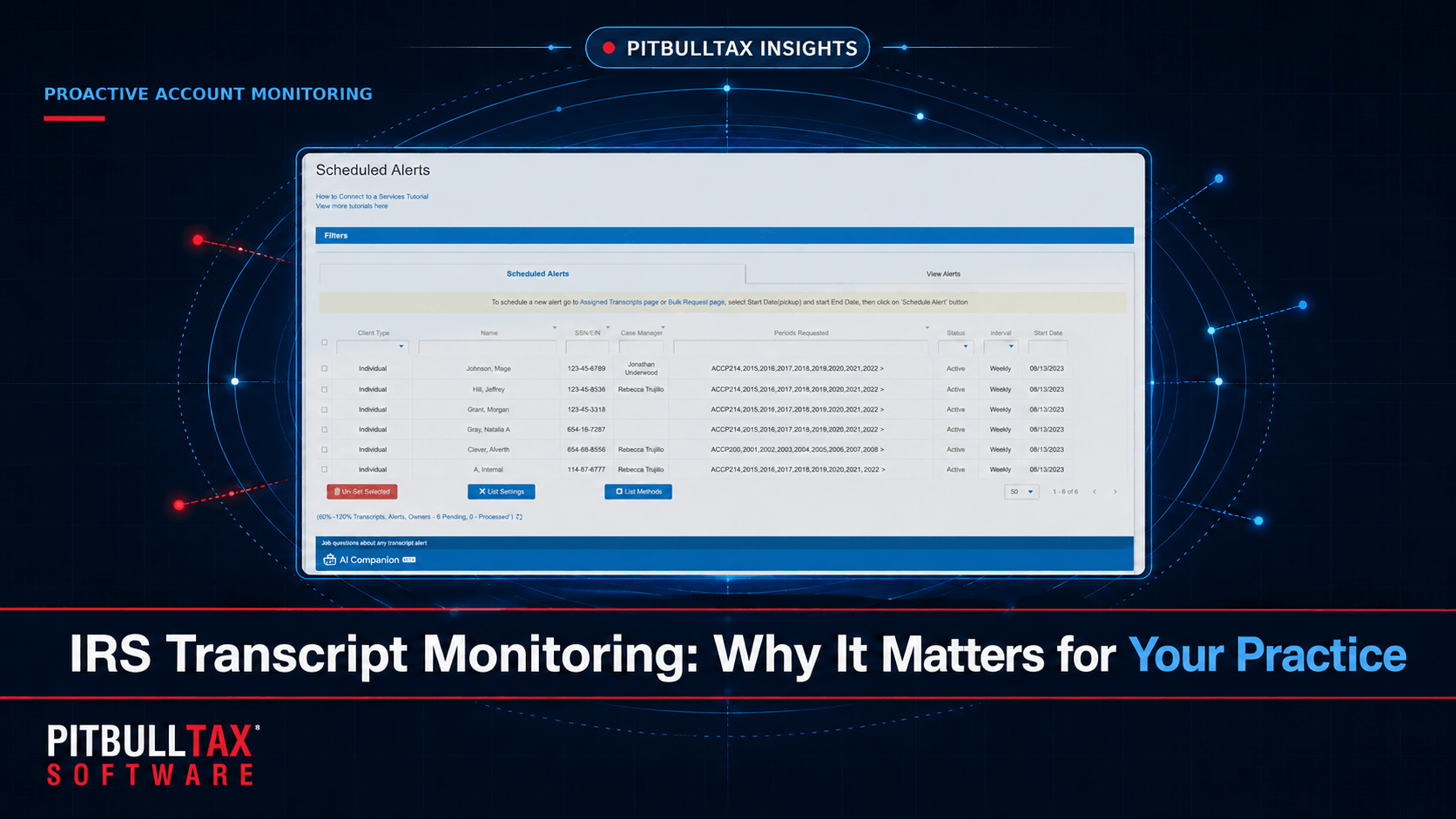
PitBullTax's IRS Transcripts tool includes scheduled monitoring with automatic daily alerts, built to catch account changes up to six months ahead of when they'd otherwise surface. When configured, the system sends automatic notifications by email or SMS — to you, your client, or both — the moment new activity posts to a monitored account. This runs on both the Integrated Version (feeding directly into your PitBullTax case file) and the Stand-alone Version.
This is part of what PitBullTax calls the full lifecycle of IRS Transcripts Monitoring Automation in the Integrated Version — which extends beyond alerts to include automated sales emails and engagement letters, billing, and electronic Form 8821 creation, so monitoring isn't a disconnected feature but part of the same workflow as case management and client communication.
Where Monitoring Changes Case Outcomes
Catching penalty abatement windows. Penalty and interest assessments post to the account transcript. Monitoring flags them as they happen, rather than months later when you next review the case, giving you a faster window to request First-Time Penalty Abatement while the client's compliance history still supports it.
Protecting against Installment Agreement default. A missed payment triggers changes on the account transcript before the client necessarily realizes what's happened. Early notice gives you time to intervene before the IRS terminates the agreement.
Tracking CSED in real time. Actions like an OIC submission, a bankruptcy filing, or certain collection due process requests can toll (pause) the collection statute. Monitoring keeps the CSED calculation current rather than relying on a snapshot from months earlier.
Client retention and trust. Proactively telling a client "the IRS just filed a lien, and here's what we're doing about it" before they find out on their own is a materially different client experience than reacting to a call from a panicked client who received a notice you didn't know was coming.
Setting Up Monitoring for a Case
Monitoring is configured per client at the time you request transcripts — you choose which accounts to monitor and how alerts should be routed. For firms managing dozens or hundreds of active resolution cases, this shifts account tracking from a manual, recurring task to a background process that only surfaces when there's something worth your attention.
A 7-day free trial is available for both the Integrated and Stand-alone versions of PitBullTax's transcript tool, so you can test monitoring on an active case before subscribing.
Monitoring vs. Manual Re-Checking: A Time Comparison
Consider a firm with 40 active resolution cases. Manually re-pulling and reviewing transcripts for all 40 clients even once a month means 40 separate transcript requests, plus the time to read each one for changes — easily several hours of staff time monthly, on top of the original intake pull. Automated monitoring performs that same check continuously, in the background, and only surfaces a result when there's actually something to act on. The time saved isn't just the pull itself; it's the elimination of reviewing dozens of transcripts that haven't changed at all just to find the two or three that have.
Frequently Asked Questions
How quickly are alerts sent after something changes on a client's account?
Monitoring is designed to catch changes as they post, with PitBullTax's system built around daily checks — meaning a new lien, balance change, or other account activity is typically flagged within a day of posting to the IRS's systems, not weeks later during a routine case review.
Can monitoring alerts go directly to the client, not just to me?
Yes. PitBullTax's monitoring automation supports notifying the client directly by email or SMS, in addition to or instead of alerting the practitioner, depending on how you configure it for a given case.
Does monitoring cost extra per client, or is it a flat rate?
Monitoring is included as part of PitBullTax's IRS Transcripts Delivery, Reporting & Monitoring product at $44/user/month (or $405/user/year) — there's no separate per-client monitoring fee on top of that.
For the complete picture of what PitBullTax's transcript reports cover beyond monitoring, see our complete guide to IRS transcript delivery and analysis.
Sources: PitBullTax IRS Transcripts page (pitbulltax.com/irs-transcripts.html)