

Get IRS Transcripts Online: The Definitive Delivery & Analysis Guide
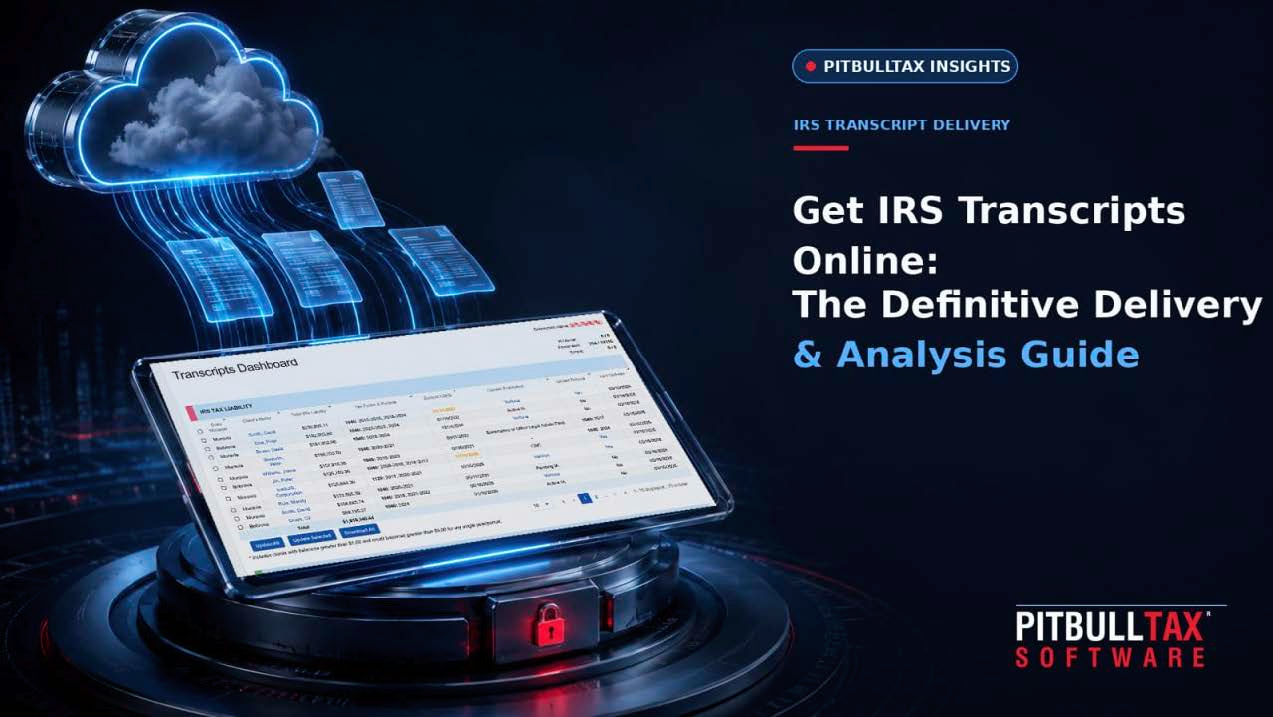
Get IRS Transcripts Online: The Definitive Delivery & Analysis Guide
Every tax resolution case starts in the same place: you need to know exactly what the IRS has on file. Not what the client remembers, not what last year's notice said — the actual account transcript, wage and income transcript, and record of account, pulled directly from IRS systems. Getting IRS transcripts online used to mean logging into e-Services, requesting one transcript type at a time, and manually reading through pages of transaction codes to figure out what they meant. This guide covers how that process works today, what a modern IRS transcript tool should do beyond simple retrieval, and how PitBullTax's transcript delivery and monitoring platform handles it — PitBullTax has processed more than 2 billion IRS transcript data points for tax professionals nationwide.
What "IRS Transcripts Online" Actually Means for a Practitioner
For a tax resolution case, "getting the transcripts" typically means pulling several different transcript types for the same client: the Account Transcript (payments, penalties, assessments, transaction codes by year), the Wage & Income Transcript (third-party reported income), the Record of Account, and sometimes a Verification of Non-Filing Letter. A practitioner with valid authorization (Form 2848 Power of Attorney or Form 8821 Tax Information Authorization) can request these directly from the IRS through an e-Services account — but doing it manually, case by case, transcript by transcript, does not scale past a handful of clients.
That's the gap IRS transcript software fills: bulk, on-demand retrieval tied to your existing e-Services access, with the raw data translated into something a human can actually use in five minutes instead of an hour.
How PitBullTax's Transcript Tool Works
PitBullTax offers IRS Transcripts Delivery and Reporting in two versions, both built around the same core functionality:
- Integrated Version — an add-on within PitBullTax Software. Transcript data flows directly into PitBullTax's forms and case tools, and includes the full lifecycle of transcript monitoring automation: automated sales emails and engagement letters, billing, electronic Form 8821 creation, alert scheduling, and automatic client notifications by email or SMS when something posts to their IRS account. Requires an active PitBullTax Software license.
- Stand-alone Version — a web-based application that works independently, with transcript retrieval, analytical reporting, and alert scheduling, but without the deeper sales/engagement automation and without feeding data into PitBullTax's IRS forms. No PitBullTax Software license required.
Both versions are priced at $44/month per user, or $405/year (roughly a 30% discount versus paying monthly).
Requesting Transcripts
Once connected to your IRS e-Services account, you can request transcripts in minutes rather than pulling them one at a time through the IRS's own portal — including bulk transcript requests and CAF (Centralized Authorization File) checks, so you can confirm your power of attorney is properly on file before you start working a case.
Instant Analytical Reports
The differentiator isn't the raw transcript — it's what the software does with it. The moment transcripts are retrieved, PitBullTax generates a set of analytical reports automatically, covering:
- Current tax liabilities, penalties, and interest by year
- Collection Statute Expiration Date (CSED) calculations
- First-Time Penalty Abatement eligibility
- Unpaid Trust Fund Recovery Penalty (TFRP) calculations
- Earliest dates for bankruptcy dischargeability
- Compliance status and Wage & Income summaries
- Federal Tax Lien, audit, and bankruptcy indicators
- Account transcript summaries and full payment history
- Civil penalty detail
Reports can be branded with your own firm's logo and packaged for client delivery — useful both as a work product and as a sales tool during an initial consultation.
Monitoring and Automatic Alerts
This is the feature that turns transcript access from a one-time lookup into ongoing case intelligence. You can schedule IRS Transcripts Monitoring so the software checks a client's account on your behalf and automatically notifies you — and, if configured, the client — by email or SMS the moment something posts: a new balance, a lien filing, a payment, a CSED shift. Practitioners use this to catch developments up to six months ahead of when they'd otherwise find out, which matters enormously in collections work, where a missed notice can mean a missed appeal window.
Unlimited Transcripts, No Per-Report Fees
PitBullTax's transcript plans include unlimited IRS transcripts and reports at the flat monthly or annual rate — no pay-per-pull pricing and no extra charge for the bankruptcy dischargeability report, which some tools price separately.
Reading a Transcript Report: What to Actually Look For
Once you have the report in hand, a few data points should get your attention first:
Collection Statute Expiration Date (CSED). The IRS generally has 10 years from assessment to collect a tax debt. Knowing exactly where a client sits on that clock changes the entire resolution strategy — a client 18 months from CSED is a very different conversation than one 8 years out.
First-Time Penalty Abatement eligibility. If a client has a clean three-year compliance history, they may qualify for penalty relief with a single phone call — the kind of result Louise Hartford, a PitBullTax user, described getting for a client: over $506,000 in penalties abated in one call, based on what the transcript analysis surfaced.
Trust Fund Recovery Penalty exposure. For business clients with payroll tax issues, unpaid TFRP calculations tell you whether the individual owner is personally exposed — critical information before you set expectations with a client.
Compliance status. Is the client current on filings and estimated payments? The IRS generally won't approve an Offer in Compromise or Installment Agreement for a client who isn't in current compliance, so this determines what has to happen before you can even submit a resolution request.
Individual vs. Business Transcript Reports
PitBullTax generates both individual and business transcript reports (available in English and Spanish), reflecting that resolution work spans W-2 wage earners with back-tax balances as well as businesses carrying payroll tax liabilities. Sample reports for both are published on PitBullTax's transcripts page for practitioners who want to see the report format before subscribing.
Integrated vs. Stand-alone: Choosing the Right Version
The decision between PitBullTax's two transcript products usually comes down to how the rest of your practice already runs.
Choose the Integrated Version if you're using (or planning to use) PitBullTax Software for the broader resolution workflow — Resolution Evaluation, Case Diagnostics, integrated IRS forms. Transcript data feeding directly into those tools means a CSED calculation pulled from the transcript populates the same case file used to prepare Form 656 or Form 9465, rather than requiring you to manually transfer figures between two separate systems. The Integrated Version also extends monitoring automation further into the case lifecycle — automated engagement letters, billing triggers, and electronic Form 8821 creation — since it's operating inside the same platform as the rest of the case.
Choose the Stand-alone Version if your firm uses a different practice management or case management system already, and you specifically need transcript retrieval, analysis, and monitoring without adopting the broader PitBullTax Software platform. It runs as an independent web-based application, so there's no requirement to change how the rest of your practice operates — you're only adding the transcript layer.
Both versions pull from the same underlying data and produce the same core analytical reports; the difference is how deeply that data connects to everything else you do with a case.
A Practical First Workflow
For a firm setting up transcript delivery for the first time, a reasonable sequence looks like:
- Connect your e-Services credentials to the PitBullTax transcript tool.
- Run a CAF check to confirm authorization is on file for a test client before pulling anything.
- Pull transcripts for your 5–10 highest-priority active cases first — the ones closest to a deadline, a CSED, or a pending resolution decision — rather than your entire client base at once.
- Review the generated reports against what you already know about those cases, to get a feel for how the analysis maps to your existing understanding.
- Set up monitoring on those same cases, then expand to the rest of your active caseload once you're comfortable with the workflow.
Data Security Considerations
IRS transcript data is highly sensitive — full account and income detail for every client whose transcript you pull. Any transcript tool should be evaluated on how it secures that data, not just on retrieval speed. PitBullTax's platform includes 2-Factor Authentication as a standard security feature across the software, relevant context for firms evaluating how client data is protected once it's inside any connected system.
Getting Started
Both the Integrated and Stand-alone transcript products are available with a 7-day free trial, so you can pull transcripts on an actual client file and see the reports before committing. If your firm already runs PitBullTax Software for case management and forms, the Integrated Version keeps everything — client data, transcripts, forms, billing — in a single case file. If you just need transcript delivery and don't need the broader resolution platform, the Stand-alone Version covers retrieval, reporting, and monitoring without requiring a software license.
Frequently Asked Questions
How current is the transcript data?
Transcripts are pulled directly from IRS systems at the time of your request through your e-Services access, reflecting whatever the IRS has posted as of that date.
Can I get alerted automatically instead of checking manually?
Yes — PitBullTax's monitoring automation checks scheduled client accounts and sends automatic email or SMS alerts (to you, the client, or both) when new activity posts, rather than requiring you to re-pull transcripts on a schedule yourself.
Do I need a PitBullTax Software license to use the transcript tool?
No. The Stand-alone Version works independently as a web-based application. The Integrated Version requires an active PitBullTax Software license because it feeds transcript data directly into your case forms.
Is there a limit on how many transcripts I can pull?
No — both plans include unlimited IRS transcripts and reports at the flat monthly or annual price.
Ready to see what's actually on a client's IRS account? Start a 7-day free trial or view sample transcript reports.
Sources: PitBullTax IRS Transcripts page (pitbulltax.com/irs-transcripts.html); PitBullTax Pricing (pitbulltax.com/pricing.html)