

Tax Resolution Software for CPAs, EAs and Tax Attorneys: The Complete Guide
Tax Resolution Software for CPAs, EAs and Tax Attorneys: The Complete Guide
If you represent clients before the IRS — Offers in Compromise, Installment Agreements, Currently Not Collectible status, penalty abatement, Trust Fund Recovery Penalty defense — you already know the bottleneck isn't legal knowledge. It's the paperwork. A single Offer in Compromise case can involve a dozen IRS forms, pages of supporting schedules, financial-standards lookups by county, and weeks of back-and-forth with a client who doesn't understand why you need three months of bank statements.
Tax resolution software exists to remove that bottleneck. This guide walks through what the category actually does, what separates a purpose-built tax resolution platform from a generic practice management tool with a few IRS forms bolted on, and how PitBullTax — software built exclusively for Attorneys, CPAs, and Enrolled Agents doing IRS representation work — approaches each piece.
What Is Tax Resolution Software, Exactly?
Tax resolution software (sometimes called tax representation software) is a specialized platform for professionals who represent taxpayers with IRS collection issues. Unlike general tax-prep software (which files returns) or general practice management software (which handles scheduling and billing for any kind of accounting work), tax resolution software is built around one specific workflow: analyzing a taxpayer's financial situation, determining which resolution options they qualify for, and producing the exact IRS forms and supporting schedules needed to execute that resolution.
The best platforms in this category typically combine four things in one place:
- Eligibility and resolution analysis — does this client qualify for an Offer in Compromise, an Installment Agreement, or Currently Not Collectible status, and what does the math say the outcome should be?
- IRS transcript access and analysis — what does the IRS actually have on file for this client, and what does it reveal about liabilities, penalties, and collection deadlines?
- Form automation — auto-populated, IRS-ready forms and supporting schedules instead of manual data entry into fillable PDFs.
- Case and client management — where the case stands, what's billed, what's owed, and what the client has (or hasn't) sent you.
Why a Purpose-Built Platform Beats a Generic One
A lot of firms start out running tax resolution cases through a general practice management tool — something built for tax prep workflow, bookkeeping, or general client communications — and adding IRS forms as an afterthought. It works, until it doesn't. Generic tools don't know that an Offer in Compromise calculation changes based on IRS National, Regional, and Local Standards for the client's specific county. They don't flag a Collection Statute Expiration Date automatically. They don't know the difference between a Streamlined Installment Agreement and a Partial Pay Installment Agreement, or which one your client's numbers actually support.
That distinction is the whole reason tax resolution software exists as its own category, separate from general tax representation practice management. PitBullTax was built from day one exclusively for representation work — not adapted from a broader accounting tool — which is why resolution logic (not just form-filling) sits at the center of the platform.
Core Capabilities to Look For
1. Resolution Evaluation and Eligibility Screening
The first question every new resolution client asks is some version of "what do I qualify for?" A strong platform should answer that from the client's financial data in one screen — comparing Offer in Compromise doubt-as-to-collectibility, Installment Agreement, and Currently Not Collectible "53" eligibility side by side, using current IRS Standards for the client's household size and location.
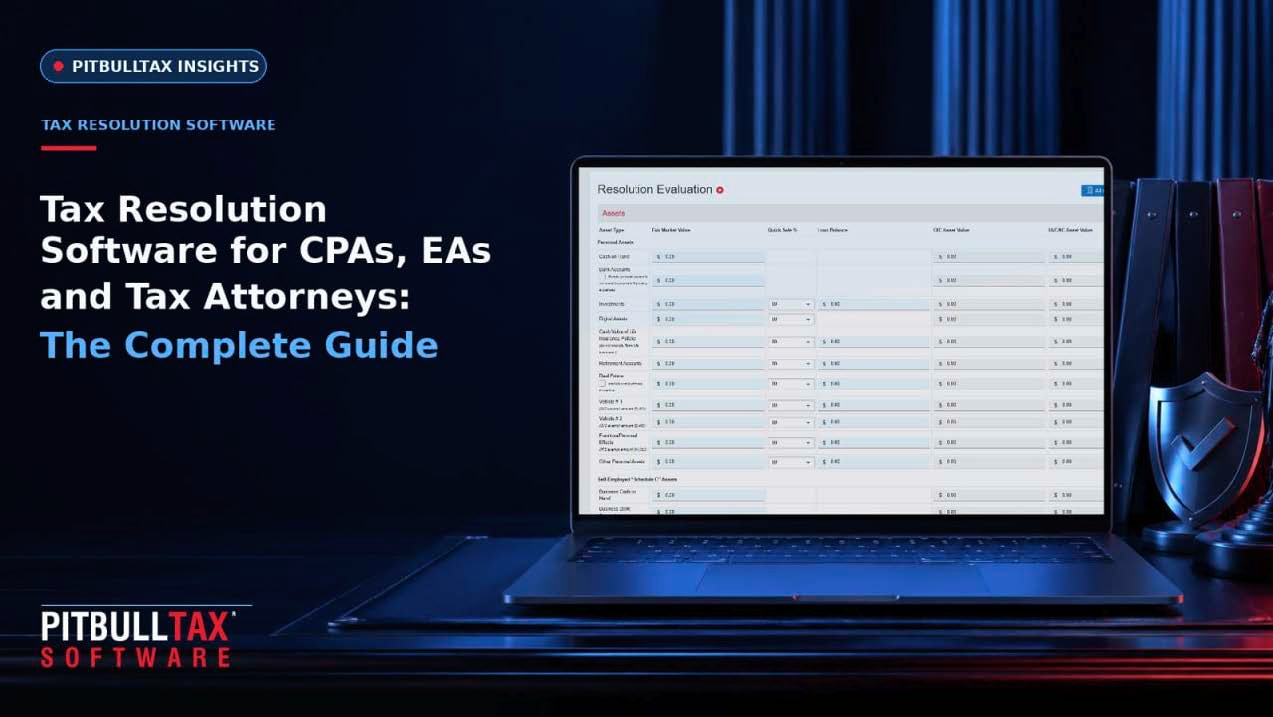
In PitBullTax, this is the Resolution Evaluation tool: input a client's monthly income and expenses, family size, and assets, and the software applies applicable IRS National, Regional, and Local Standards for every U.S. county automatically, then shows OIC suitability with recommended payment options, the recommended IA monthly amount, and CNC "53" eligibility — side by side, without manual table lookups.
2. Case Diagnostics
Beyond eligibility, you need to know which forms a given case actually requires. PitBullTax's Case Diagnostics tool uses the client's intake information to identify their specific situation and generates the list of forms and the recommended path to a successful resolution — reducing the guesswork of "which of the 15 forms in this case do I actually need."
3. IRS Transcript Delivery, Reporting & Monitoring
You cannot negotiate a resolution without knowing exactly what the IRS has on record — current balances, penalty history, lien filings, prior audits, and the Collection Statute Expiration Date. PitBullTax's transcript add-on (available integrated into the software or as a stand-alone product) retrieves transcripts through your IRS e-Services account in minutes and instantly builds analytical reports covering current tax liabilities and penalties, Collection Statute Expiration Date (CSED) calculations, First-Time Penalty Abatement eligibility, unpaid Trust Fund Recovery Penalty (TFRP) exposure, bankruptcy dischargeability dates, compliance status, and Wage & Income summaries. It also supports scheduled daily monitoring with automatic email/SMS alerts when something changes on a client's IRS account — the feature that lets practitioners catch a new lien, a balance change, or a CSED update months before it would otherwise surface.
4. Integrated, Auto-Populated IRS Forms
Manually re-typing the same financial data across a 433-A, a 433-B, a 656, and half a dozen supporting schedules is where hours disappear. Integrated forms should auto-populate from data you've already entered once, with an enhanced preview so you can review before printing or e-signing. PitBullTax's Integrated IRS Forms and Supporting Schedules module does exactly this, and pairs with a Searchable Internal Revenue Manual built into the platform so you can verify the exact procedural rule IRS collections personnel are required to follow — no separate research tab, no guesswork.
5. Client Communication and Document Collection
Getting a client to actually send you their bank statements is, realistically, half the battle. Look for a bilingual client questionnaire, a secure client portal for document exchange and messaging, automated reminders (SMS/email) when a client is slow to respond, and file-storage sync with the tools you already use (Dropbox, OneDrive, Google Drive). PitBullTax includes all of this at no additional cost — Client Portal, Client Questionnaire in English and Spanish, Client Questionnaire Reminders by text and email, and File Storage Synchronization — plus incoming/outgoing email correspondence that copies your case-related emails into the software automatically.
6. Fee Transparency and Case Management
A Fee Calculator that benchmarks your quote against what other practitioners are currently charging for the same resolution type takes the guesswork out of "what are your fees?" — PitBullTax includes this free. For firms that need deeper case tracking, the optional Case Management and Billing add-on layers in a dashboard, calendar, to-do lists, case tracking, time tracking, and billing, with Zoom meeting integration and Outlook calendar sync.
What PitBullTax Includes at Every Tier
PitBullTax runs on three license types with no setup fee, no maintenance fee, and no contract: a 1-Time Use License ($225/year, annual only, covers 1 individual and 1 business client — built for the occasional case), a Single User License ($135/month or $1,260/year, unlimited clients), and a Multi-User License starting at $290/month for 3 users (up to 20+ users, with volume pricing). Every tier includes Resolution Evaluation, Case Diagnostics, the Fee Calculator, integrated IRS forms, engagement letter templates, the Client Portal, and free monthly office hours.
From there, firms add only what they need: IRS Transcript Delivery, Reporting & Monitoring ($44/user/month), Case Management and Billing ($39/user/month), Payment Processing ($29/month), a Scenario Simulator for comparing resolution paths side by side ($19/user/month), DocuSign e-signature integration, State Power of Attorney forms, API access, and white-labeling.
What Practitioners Actually Say
Firms that switch to a dedicated resolution platform tend to describe the same shift: fewer hours per case, more cases per year. Katharine LaBoda, a PitBullTax user since 2014, put it directly: "I can do so many more cases per year just because of the speed and efficiency of the software. One resolution case per year pays for my whole annual Pitbull license and then some." Louise Hartford credits the transcript reports specifically: "Thanks to those IRS transcript reports and their analysis, I was able to get over $506,000 of penalties abated in one phone call for one client."
Choosing the Best Tax Resolution Software for Your Practice
When you're evaluating platforms, run through this checklist:
- Is resolution logic (OIC/IA/CNC eligibility) built in, or are you still doing standards lookups by hand?
- Does it pull and analyze real IRS transcripts, or just store PDFs you upload yourself?
- Are forms auto-populated from data you enter once, or re-typed per form?
- Is there a client portal and bilingual intake, or will your team be chasing documents by email?
- What's actually included in the base license versus sold as an add-on — and does that match how your firm is structured (solo, small team, multi-office)?
- Is there a free trial so you can test the resolution workflow on a real case before committing?
PitBullTax offers a 7-day free trial specifically so firms can run these checks against an actual case before subscribing.
Frequently Asked Questions
Is tax resolution software only for large firms?
No. The category serves solo EAs handling a handful of cases a year up to multi-office CPA and tax attorney practices. PitBullTax's 1-Time Use License is built specifically for practitioners who only occasionally take on a resolution case, while the Multi-User License scales to firms with 20+ staff.
Do I need a separate tool for IRS transcripts?
Not necessarily. Some platforms treat transcript delivery as a bolt-on; others, like PitBullTax, offer it as an add-on that flows directly into the same forms and case file you're already working in, so transcript data doesn't live in a separate silo.
What does "resolution evaluation" actually calculate?
It applies IRS National, Regional, and Local Collection Financial Standards (which vary by county and household size) to a client's income, expenses, and assets to determine Offer in Compromise doubt-as-to-collectibility, the likely Installment Agreement payment amount, and Currently Not Collectible "53" eligibility — the same standards an IRS revenue officer would apply.
Ready to see the resolution workflow on your own case? Schedule a demo or start a 7-day free trial.
Sources: PitBullTax Software Features (pitbulltax.com/page/software.html); PitBullTax Optional Features (pitbulltax.com/page/features.html); PitBullTax Pricing (pitbulltax.com/pricing.html); Why PitBullTax (pitbulltax.com/page/irs-back-taxes-solutions.html); PitBullTax homepage testimonials (pitbulltax.com)